
Leadership
Dr. Amit Sagu
Founder & Product Director
Specifically developed for universities and institutes. ATOS effectively eliminates scheduling conflicts, balances faculty workloads, and generates complex timetables in seconds—not days.
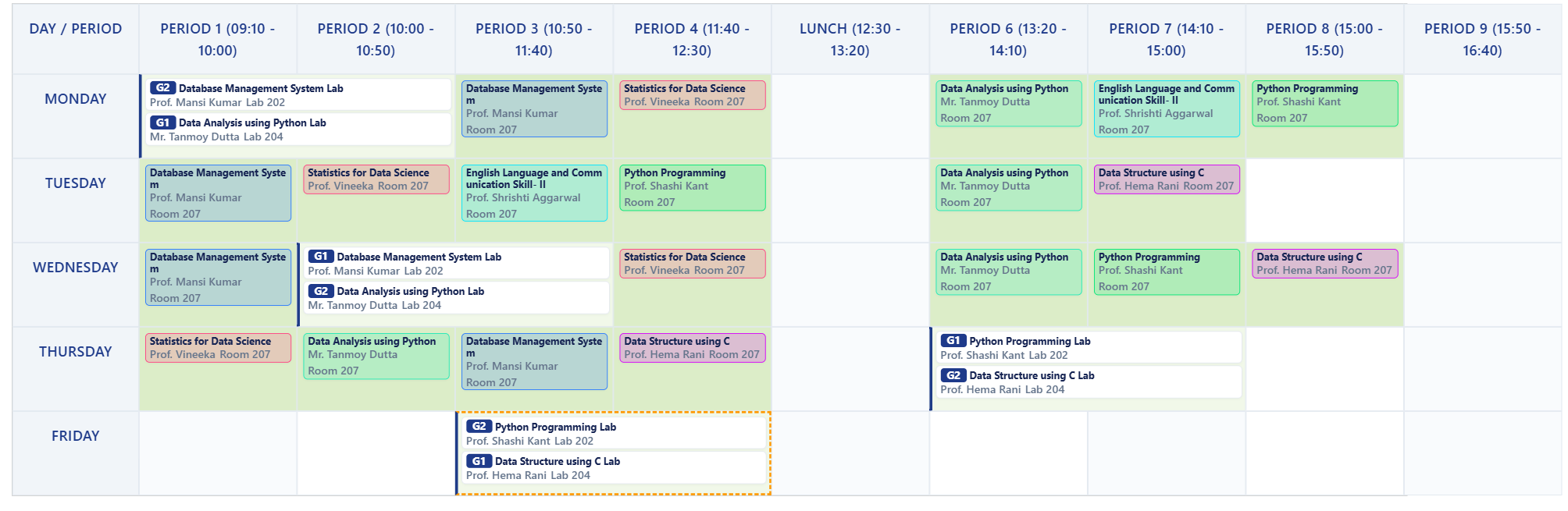
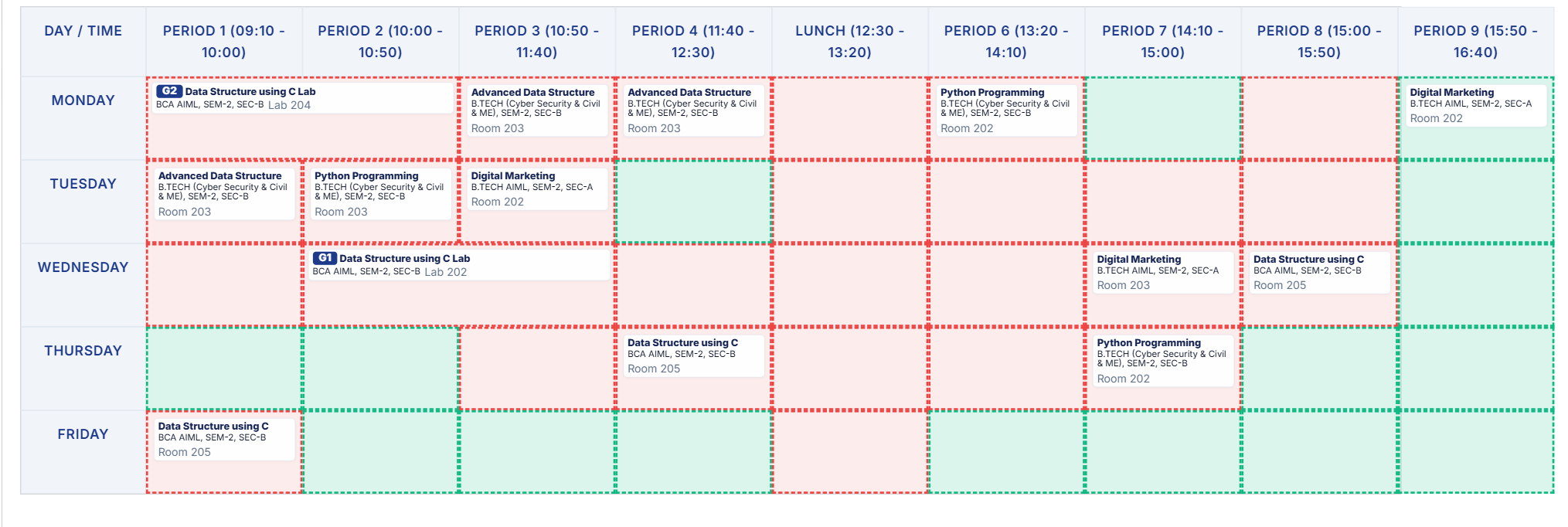
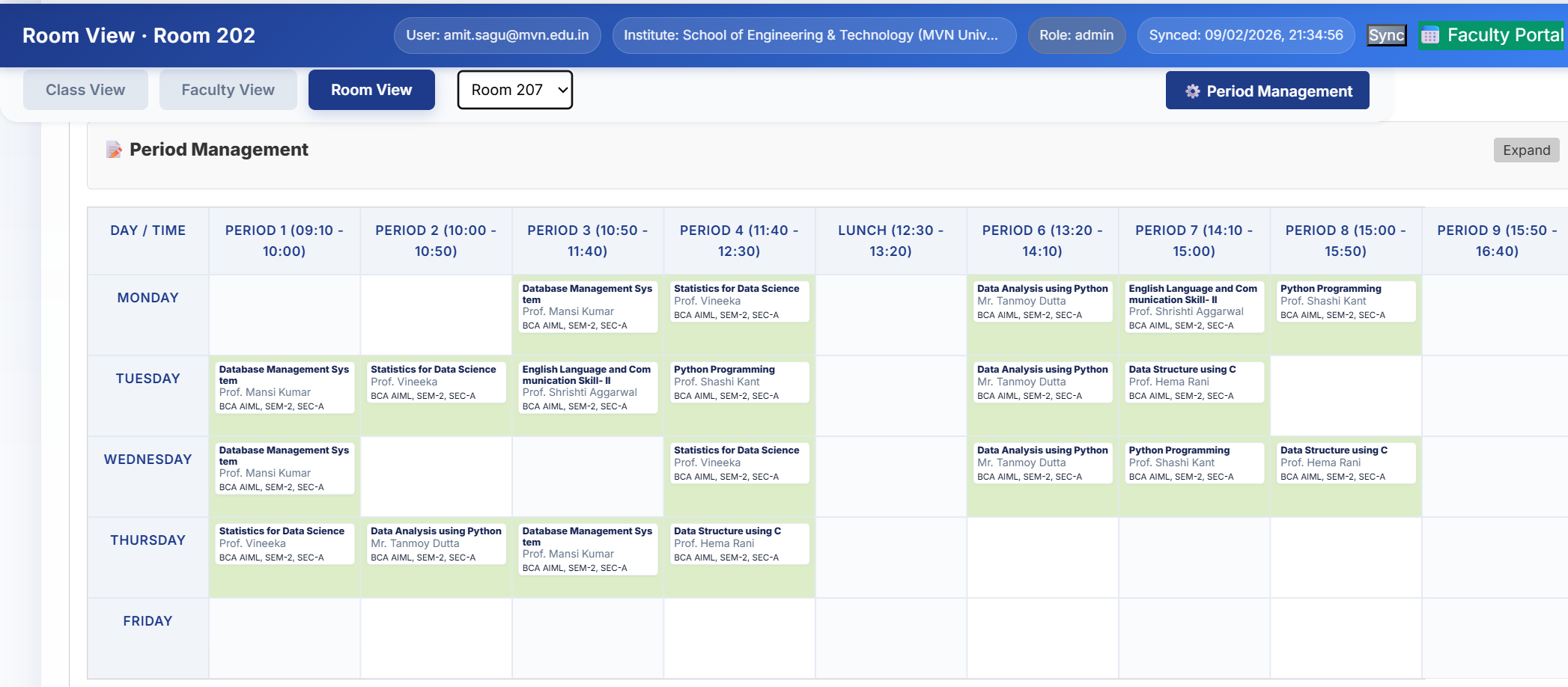
Experience a powerful suite of tools designed to handle every academic scheduling challenge with precision and ease.
Define your course schema and credits. Our algorithm handles the heavy lifting, filling slots according to your constraints.
Stop double-booking before it happens. Our engine flags faculty, room, and class conflicts instantly as you edit.
Dedicated views for faculties to see their individual schedules, workload metrics, and departmental roles.
Specialized handling for complex Lab sessions, parallel group assignments, and continuous multi-period blocks.
Export professional PDFs and high-res PNGs. Includes automated branding for official HOD and Coordinator stamps.
Secure Google Sign-In with real-time Firebase synchronization. Your data is always safe and accessible anywhere.
A streamlined 3-step workflow to get your institute up and running.
Import faculties, subjects, and rooms. Map your credits and weekly hour requirements in the dashboard.
Run the intelligent auto-generator. ATOS will find the optimal placement for every lecture and lab session.
Review the generated grid, make manual adjustments if needed (guarded by conflict checks), and export reports.
A focused team bringing academic insight, product direction, training, and institutional support together.
Founder & Product Director

Business Development Manager

Solutions & Training Manager

Business Development Executive
The Academic Timetable Optimization System (ATOS) was conceptualized and developed by Dr. Amit Sagu to solve the intricate challenges of departmental scheduling. Unlike generic tools, ATOS understands the nuances of Indian engineering colleges—from credit-based mapping to HOD approval workflows.
Join the growing number of departments using ATOS to streamline their academic operations.
Web-based real-time timetable management
Define weekly credits and automatically generate your timetable
Faculties, Subjects, Rooms, Classes
| ID | Name | Designation | Department | Contact | Affiliation |
|---|
| ID | Name | Assigned Teacher | Class Name |
|---|
| Block | Resources |
|---|
| ID | Name | Capacity | Block |
|---|
| ID | Name | Coordinator / Mentor | Students |
|---|